How to Audit and Refresh Your Social Media Accounts in 5 Steps
Social media accounts rarely fall apart all at once. Instead, small issues build up over time.
Old links stay in bios. Former employees still have page access. Pinned posts highlight promotions from months ago. Branding changes, but profile images don’t.
It happens to almost every business.
Taking the time to periodically audit and refresh your social media accounts can dramatically improve how your brand appears online, and make sure your platforms are actually supporting your marketing efforts.
Here are five simple steps to audit and refresh your social media accounts.
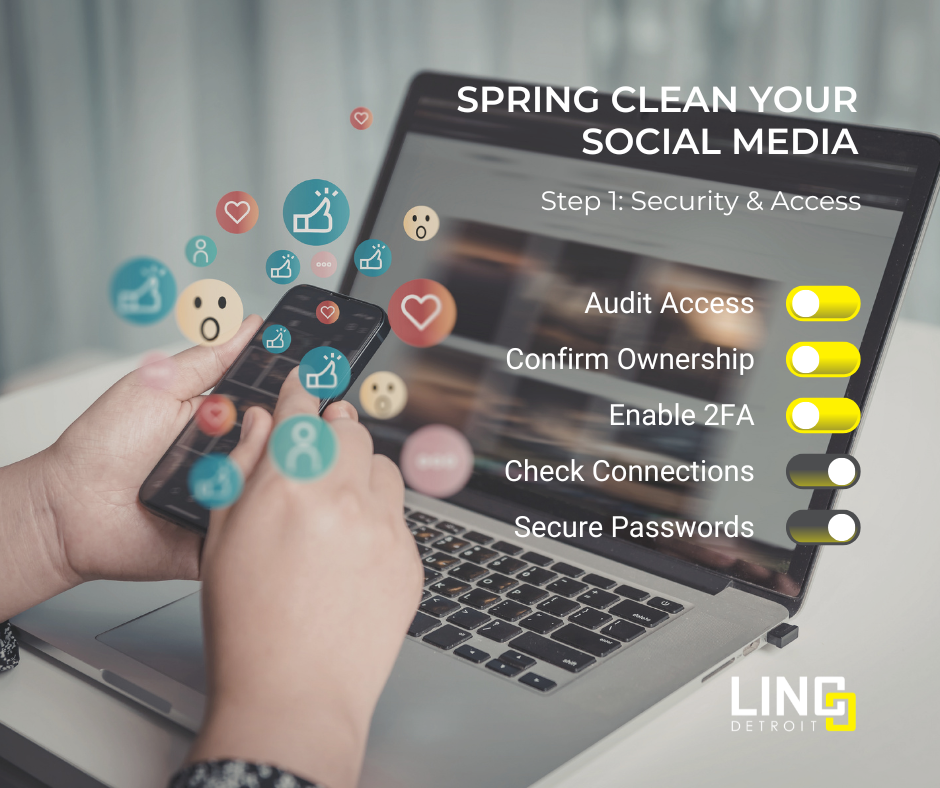
Step 1: Check Security and Page Access
Before focusing on content or visuals, start with the foundation: account security and ownership.
Many businesses don’t realize there are issues until something goes wrong—like getting locked out of a page or discovering someone who shouldn’t have access still does.
Start by reviewing:
- Who has access to your accounts – Remove former employees, agencies, or unknown logins.
- Page ownership – Make sure your business has a clear owner for Facebook and Instagram accounts.
- Two-factor authentication – Enable it on all accounts to protect against hacks.
- Business Manager connections – Confirm your accounts are properly connected and organized.
- Password security – Use strong passwords or a password manager.
This step may not be glamorous, but it’s essential. Before growing your brand online, you need to make sure your accounts are protected.
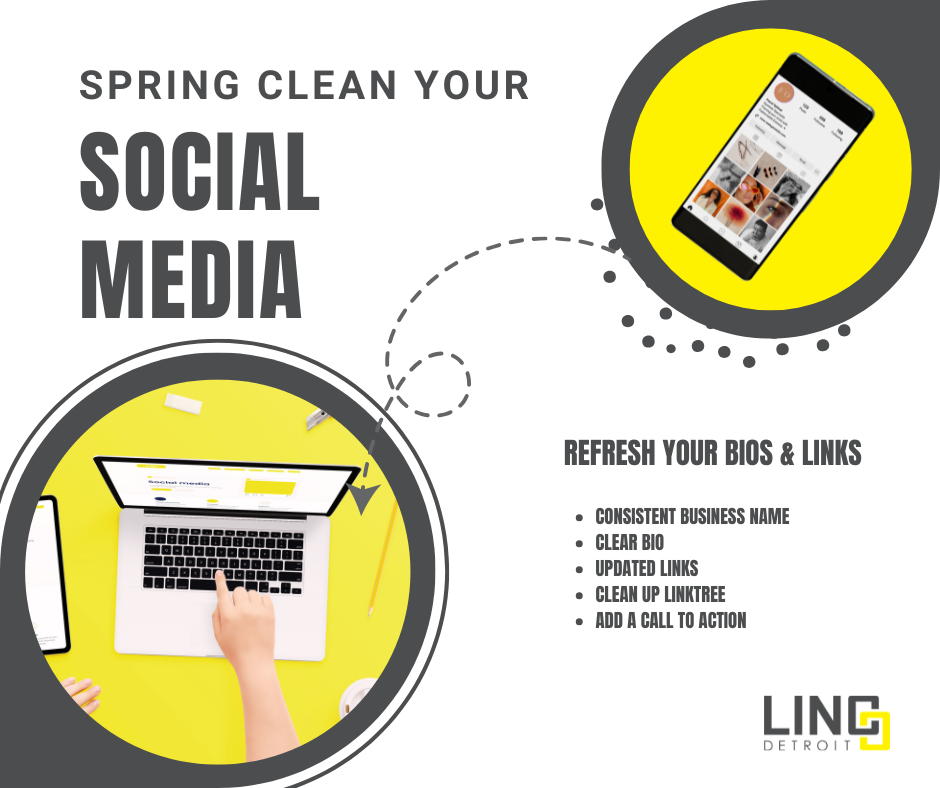
Step 2: Refresh Your Bios and Links
Once your accounts are secure, shift your focus to what visitors see when they first land on your page.
Your bio is often the first explanation of your business, and many companies haven’t updated it in years.
Take a few minutes to review:
- Your business name across platforms
Make sure it’s consistent everywhere. - Your bio description
Clearly explain what you do and who you help. - Links in your profile
Update outdated landing pages or promotions. - Linktree or link hubs
Remove old links and prioritize your most important ones. - Calls to action
Tell visitors what to do next—schedule a consultation, visit your website, or join your email list.
A quick refresh can make your pages much clearer for potential clients or customers.
Step 3: Improve Your Visual First Impression
After updating your bio, review the visual elements of your page.
Think of your social media profiles as your digital storefront. When someone visits, your visuals should immediately communicate that your business is active and current.
Check the following:
- Profile photo
Make sure it’s high-resolution and recognizable. Logos should be clear even on mobile devices. - Header or cover image
Update outdated branding, services, or promotions. - Pinned posts
Pin content that introduces your business, highlights your services, or directs visitors to important resources. - Instagram highlight stories
Remove outdated highlights and organize them into useful categories such as services, testimonials, FAQs, or behind-the-scenes content.
These small updates can dramatically improve how professional and current your page appears.

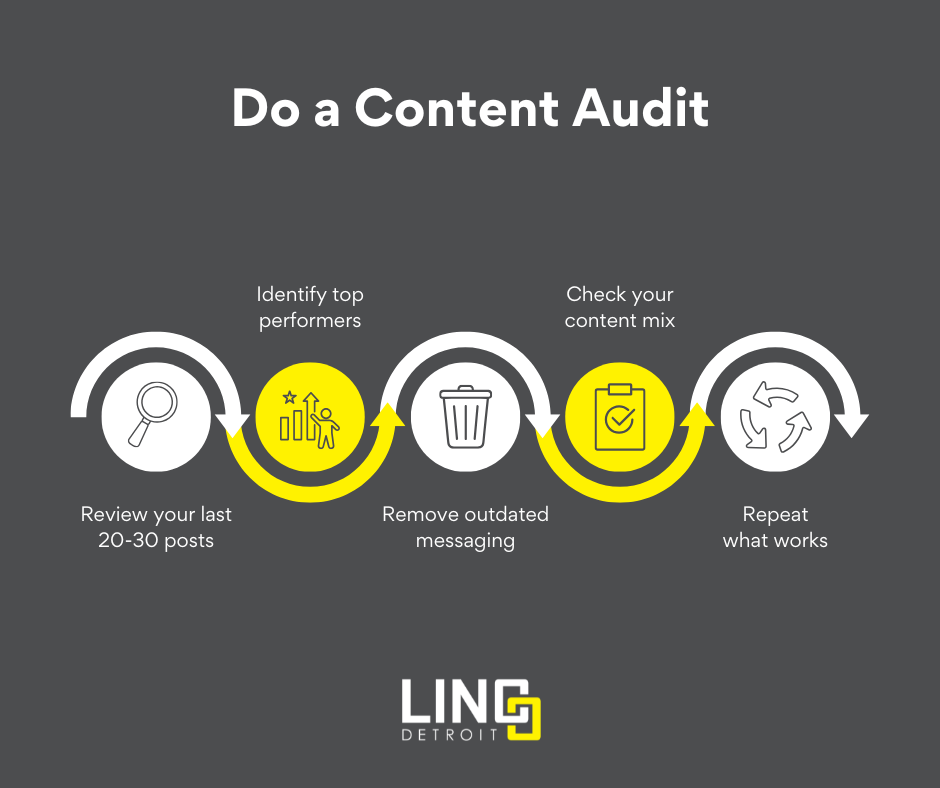
Step 4: Conduct a Content Audit
Now that your pages look better, it’s time to review what you’ve been posting.
A content audit helps you understand what’s working, what’s outdated, and what might need to change.
Start by reviewing your last 20–30 posts and ask yourself:
- Which posts received the most engagement?
- Are there themes or topics that perform consistently well?
- Are you promoting services or events that are no longer relevant?
- Does your content include a healthy mix of education, stories, insights, and promotions?
Pay attention to patterns. Often, the posts your audience responds to most are the ones you should be creating more often.
Step 5: Create a Simple Content Plan
The final step is turning what you learned from your audit into a simple content plan.
Social media doesn’t need to be overly complicated. What matters most is consistency and clarity.
Start with these basics:
- Choose three or four core content topics
For example: tips, behind-the-scenes content, client stories, or industry insights. - Set a realistic posting schedule
Posting once or twice a week consistently is better than posting heavily and disappearing for long periods. - Repurpose successful content
If a topic performed well in the past, revisit it with new insights or updated information. - Create a list of post ideas
Having a short list of 10–15 ideas makes it easier to stay consistent.
When you have a simple structure, social media becomes far easier to manage—and much more effective.

Final Thoughts
Refreshing your social media accounts doesn’t require a complete overhaul. Often, the biggest improvements come from small updates and a little organization.
By reviewing security settings, refreshing your profiles, updating visuals, auditing your content, and creating a simple posting plan, you can turn outdated or inconsistent accounts into platforms that actively support your business.
And once everything is cleaned up, maintaining your social media presence becomes much easier.
Want Help Getting Everything Set Up?
If you’re reading this and thinking “This all makes sense, but I don’t have time to do it,” you’re not alone.
That’s exactly why we created the LINC Start Smart program.

Start Smart is designed for businesses that want to build or refresh their marketing foundation quickly and strategically. During this two-month engagement, we work together to set up the essential pieces—from social media profiles and messaging to blog and email marketing tools—so your marketing is organized, consistent, and ready to grow.
Instead of guessing where to start, you’ll walk away with the core marketing pieces in place and a clear path forward.
Learn more about LINC Start Smart or schedule a consultation to see if it’s the right fit for your business.